ChatGPT integration
Manage your Lnk.Bio page by chatting with ChatGPT
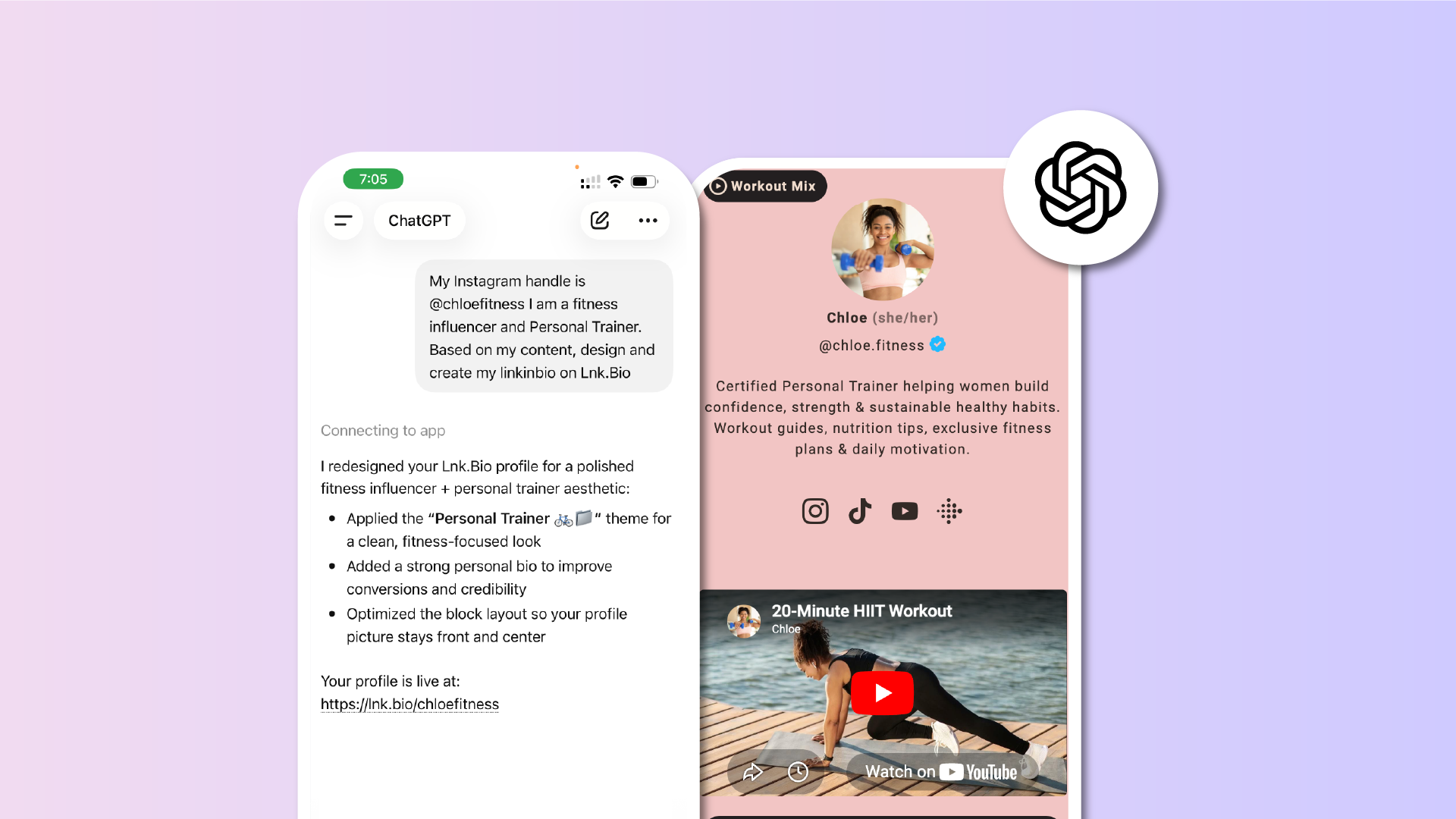
ChatGPT can now connect directly to your Lnk.Bio page and manage it for you.
Add links, update your profile, change your theme, and more, all through a simple chat conversation.
How to connect
Visit the Lnk.Bio app on ChatGPT
Allow ChatGPT to access your Lnk.Bio account
Tell ChatGPT what you want to change
What you can do
| Add, edit, or remove links from your page | |
| Update your profile name, bio, and picture | |
| Browse and apply themes | |
| Change fonts and colors | |
| Manage your icons and social links | |
| Create and organize pages |
Sample prompts
Try asking ChatGPT something like:
"This is my website: https://mywebsite.com. Browse it, extract my brand colors, style, and main links, then build my Lnk.Bio page to match."
"My Instagram is @myhandle. Look at my profile, find my social links, pick a theme that fits my aesthetic, and set up my entire Lnk.Bio page."
"Add a link to my website https://example.com with the title My Website"
"Show me available themes and apply one that looks minimal"
"Add icons for my Instagram, TikTok, and YouTube profiles"
"Change my page colors to black background with gold text"
Other services that integrate with Lnk.Bio
2,000,000+ Creators
The top creators and brands in the world use Lnk.Bio











