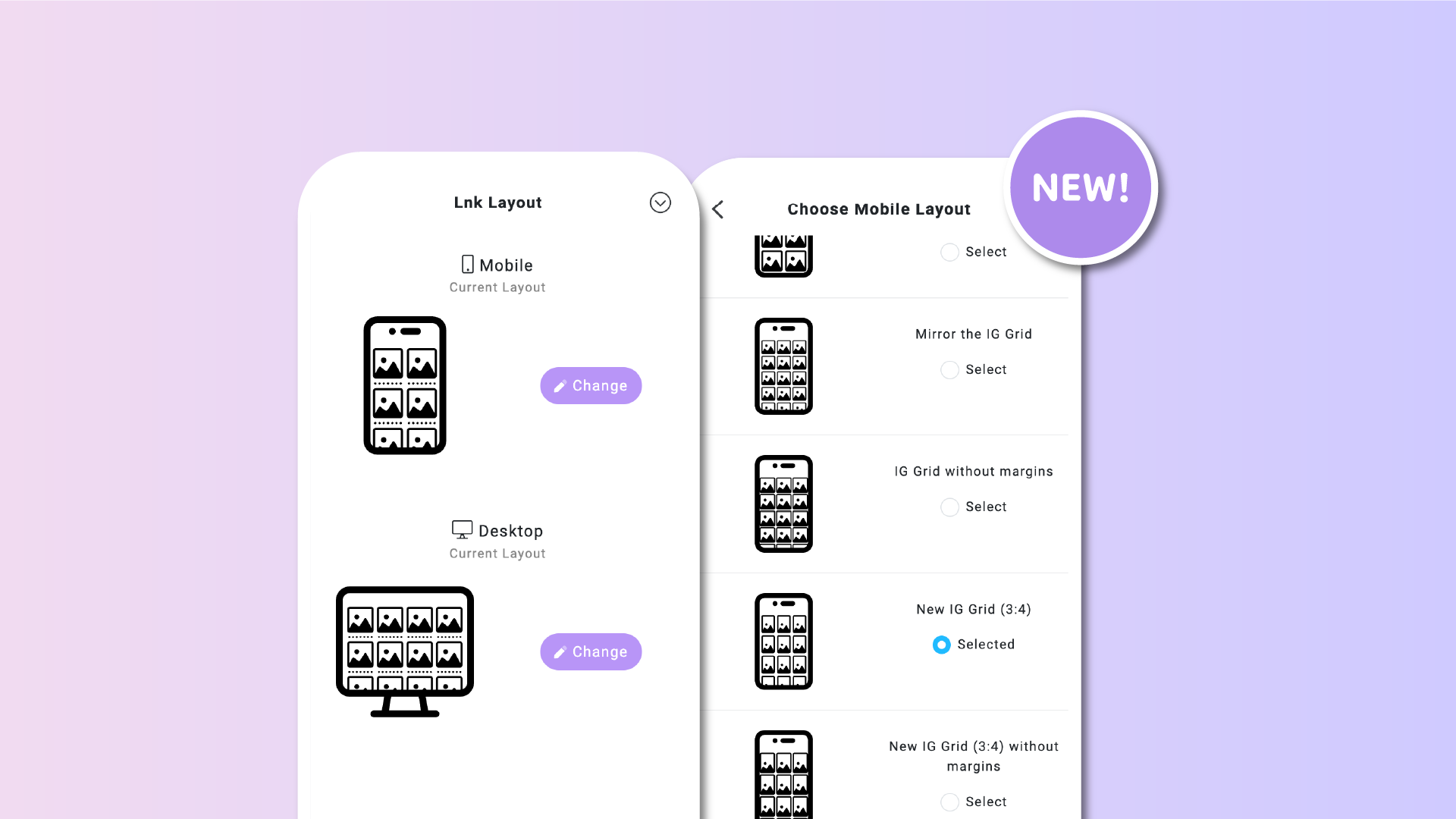

Today, we’re excited to introduce a small but impactful redesign of the Lnk.Bio interface: brand-new indicators (icons) for our layout styles.
These layout styles define how your links are arranged on your page or within a group - whether as grids, lists, an Instagram mirror, or any of our 24 available layouts.
With this update, the layout preview experience is now much clearer. Each icon provides an intuitive visual representation of the layout you’re selecting, making it easier than ever to customize your Lnk.Bio page.
All icons have been standardized and are grouped by Desktop and Mobile layouts. They’re designed to be easily recognizable and comparable, so you can instantly see the differences and choose the style that best suits your page.
To explore the new icons, simply navigate to the Style section, select Edit Layout under your Lnks block, and then click Change Layout for either Mobile or Desktop.
Check it out and let us know what you think! 🚀











