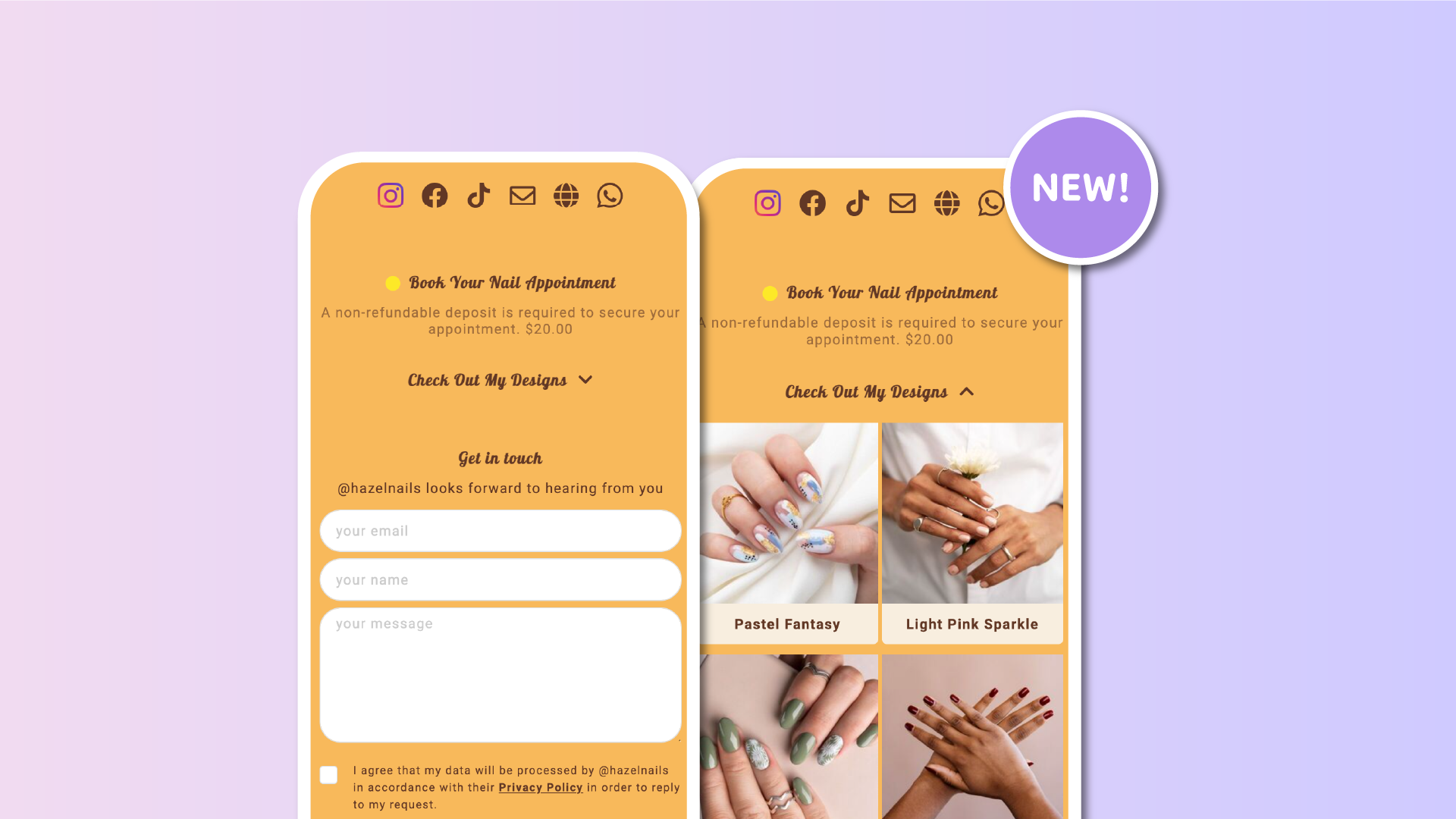

Until now, collapsible groups on Lnk.Bio only worked inside a single block that displayed all your groups together. That meant you couldn’t place different groups in different sections of your page or across different pages while still keeping the collapse functionality.
But many of you wanted more control. You wanted to organize your page your way, without losing interactivity. We listened.
✅ What’s new
You can now choose to show the title for a single group when adding a Lnk block from Style → Add Block → Lnks. Once the title is visible, you can also choose to make the group collapsible, even if it is displayed separately from the others.
This update gives you the freedom to:
– Split your groups across different parts of your linkinbio, or even across pages
– Add other blocks or elements in between
– Keep collapsible functionality on each group
– Show or hide group titles depending on your design
🧠 A quick example
Imagine you have one group for “Featured Links” and another for “Past Events.”
You can now place them in different sections of your page, or even on separate pages.
As long as you choose to show the title and enable the collapsible option, each group can be expanded and collapsed independently.
🚀 How to use it for new blocks
-
Go to Style
-
Click Add Block and select Lnks
-
Choose a single group
-
Enable Show Title
-
Save your changes
🚀 How to use it for existing blocks
-
Go to Style
-
Scroll down until you see your existing Lnks block
-
Click "Edit group"
-
Enable Show Title
-
Save your changes
If you haven’t made your group collapsible yet, you can do that from the Lnks section.
Go to Lnks → Groups, and toggle the Collapsible option for that specific group. If you need more info on collapsible groups, we've got a great guide.
Once enabled, your group will behave as expected, even when placed in its own separate block.
This update unlocks new flexibility in how you design your Lnk.Bio.
Split groups, keep things organized, and maintain a smooth experience for your visitors.











