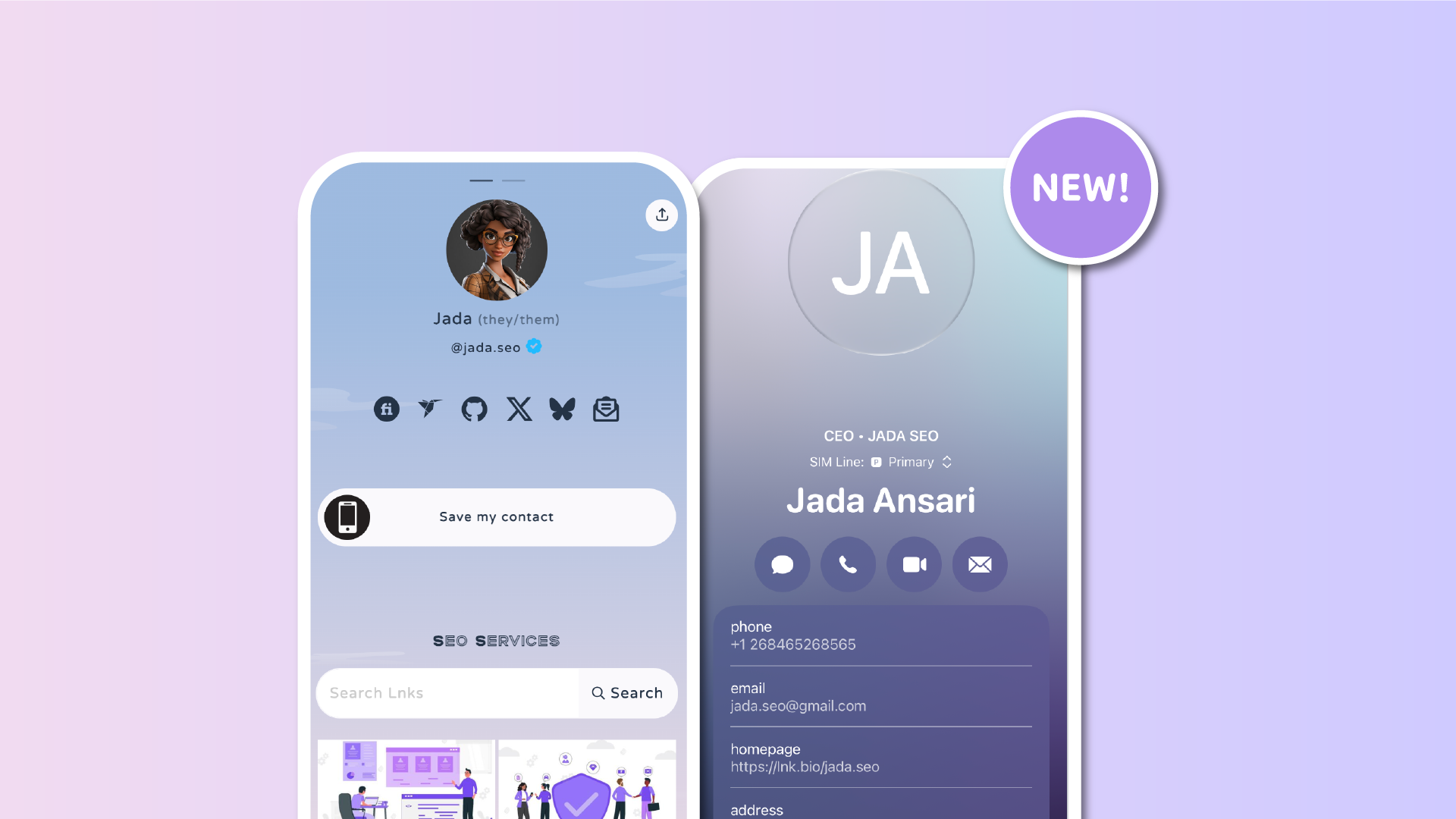

We’re making it easier for people to stay in touch with you.
Until now, adding your contact details to a Lnk.Bio page required linking to external services (e.g. vCrd.bio) or using dedicated icons. Starting today, you can add a Save my contact link directly from the Lnks section, just like any other standard Lnk.
This means your visitors can save your contact details to their phone in one simple tap, and you don't need to rely on external services.
What is “Save my contact”
A Save my contact link looks and behaves like a normal Lnk on your page. When someone taps it, their phone immediately opens the native contact prompt with all your details already filled in.
Name, surname, phone number, email, and other fields are ready to be saved. No forms, no copying and pasting, and no external services.
Behind the scenes, this uses the vCard format, which is the standard way contacts are shared between devices. Your visitors don’t need to know that. For them, it just works.
Works exactly like a standard Lnk
From your perspective, this is just another Lnk. You can place it anywhere in your list or grid, reorder it, pin it, and style it like the rest of your links. Also from the visitor’s side, it looks like a normal link until they tap it.
On mobile/tablet, tapping the link immediately opens the contact save prompt, making it perfect for quick connections and real-world interactions.
How to add a Save my contact link
Adding your contact details takes only a moment:
-
Go to the Lnks section in your Lnk.Bio dashboard
-
Click Add Lnk
-
Choose Contact
-
Fill in your details such as name, phone, and email
-
Save
That’s it. Your contact is now ready to be saved by visitors.
Available on all plans
The Save my contact link is available to all Lnk.Bio users, including free plans.
No external services are required, and no special setup is needed.
Try it out today
Make it effortless for people to stay in touch with you.
Head to the Lnks section and add your Save my contact link today.











