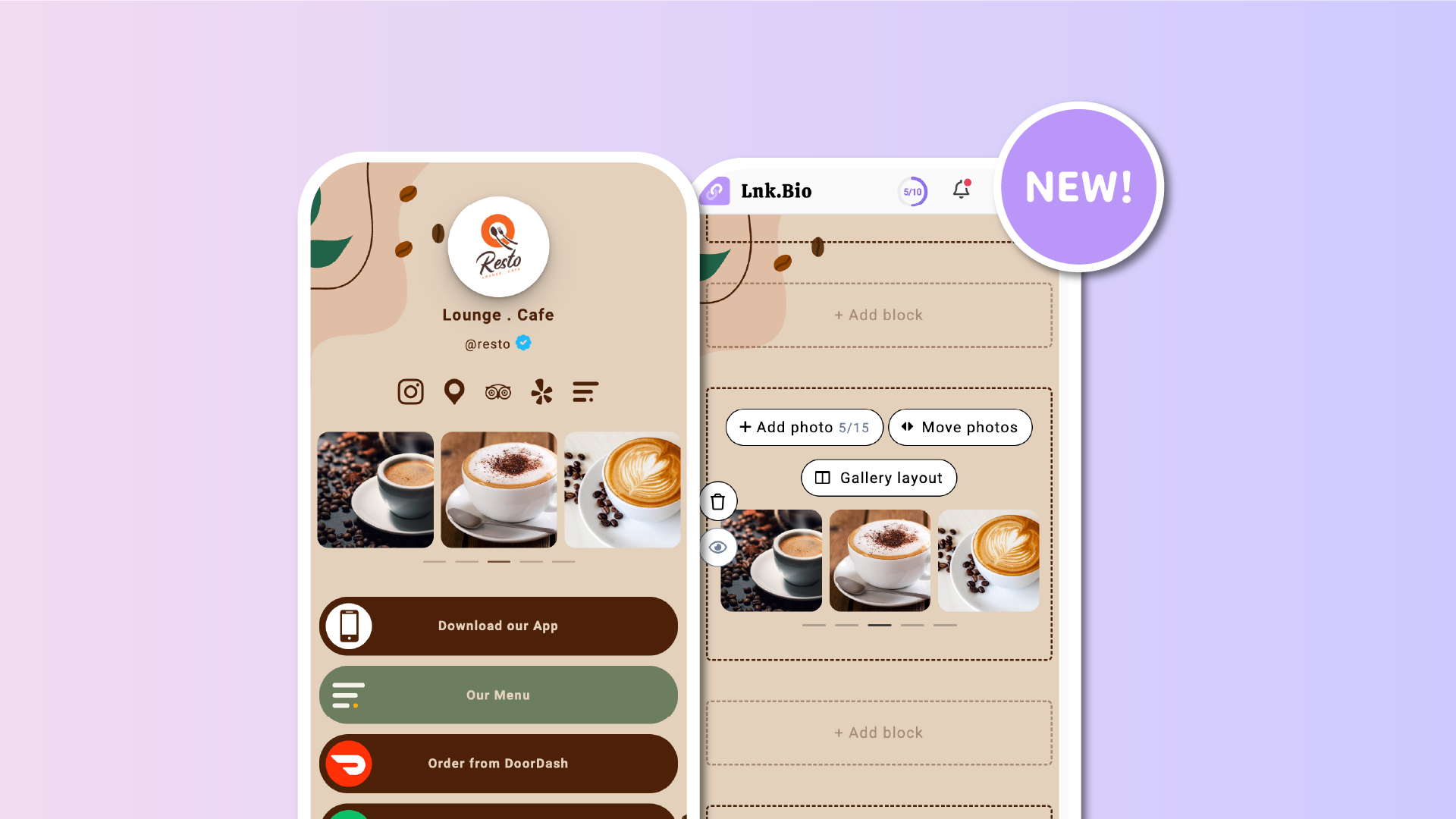

One highly requested features from the Lnk.Bio community has been a simple way to showcase images without turning every photo into a clickable Lnk.
While our image grids have long made it possible to create visual collections that link somewhere, many creators wanted a dedicated gallery designed purely for displaying their work.
Today, we're excited to introduce the Gallery block.
A beautiful new way to present up to 15 photos in elegant grids or swipeable carousels, allowing visitors to browse your images directly on your Lnk.Bio page.
Perfect for creators who tell stories through images
The Gallery block is ideal for anyone whose content is visual.
Whether you're showcasing:
- Photography portfolios
- Artwork and illustrations
- Travel adventures
- Restaurant menus and signature dishes
- Product collections
- Interior design projects
- Architecture
- Tattoos
- Hairstyles
- Event highlights
- Before-and-after transformations
- Real estate listings
...your visitors can explore your work without ever leaving your page.
Make every gallery your own
Every Gallery block can be customized to perfectly match your content.
Choose the perfect layout
Display your images as a classic gallery or an interactive carousel.
Available layouts include:
- Grid with 3 photos per row
- Grid with 2 photos per row
- Carousel with 1 photo per view
- Carousel with 2 photos per view
- Carousel with 3 photos per view
On desktop, galleries automatically adapt to a clean three-column layout for the best viewing experience.
Choose the ideal photo ratio
Keep your gallery looking polished by selecting the aspect ratio that best fits your content.
Choose from:
- Square (1:1)
- Portrait (9:16)
- Portrait (3:4)
- Landscape (16:9)
Thumbnails are consistently cropped, while visitors can always open the original image in full size.
Add context to every image
Every photo can include its own optional title and description.
Perfect for naming projects, describing artwork, identifying products, sharing locations, or providing additional context only when visitors want to see it.
Choose how visitors interact
The Gallery block works the way you want.
Visitors can:
- Tap images to open them in a beautiful full-screen viewer and browse the gallery with simple navigation controls, or
- Simply view the gallery without any interaction if you prefer it as a visual showcase.
Easy to update anytime
Your gallery grows with your work.
You can:
- Add or remove photos whenever you like
- Drag and drop to reorder images
- Edit titles and descriptions without uploading photos again
- Create multiple Gallery blocks on the same page, each with its own layout and settings
Add a Gallery block in seconds
Getting started is easy.
Simply go to My Page → Content → Add block → Gallery, upload your photos, choose your preferred layout, and publish.
From there, you can update your gallery at any time as your portfolio, business, or creative projects evolve.
Designed by the community
Some of the best Lnk.Bio features begin with conversations from our community.
The new Gallery block is another example of that.
A simple, elegant way to showcase what matters most, without every image needing to lead somewhere else.
Whether you're building a professional portfolio, sharing your latest creative work, presenting your products, or simply telling a visual story, the Gallery block gives your visitors a beautiful way to explore it.
Have an idea for what we should build next? We'd love to hear it. Visit our Suggestions page and share your suggestions with us. Many of Lnk.Bio's most popular features started as ideas from our community.