
Building the perfect Lnk.Bio page often involves a lot of testing.
You try different layouts, click your own Lnks, scan your QR codes, and experiment with new features before sharing your page with the world.
Now, when you're ready to go live, you can start with completely fresh statistics.
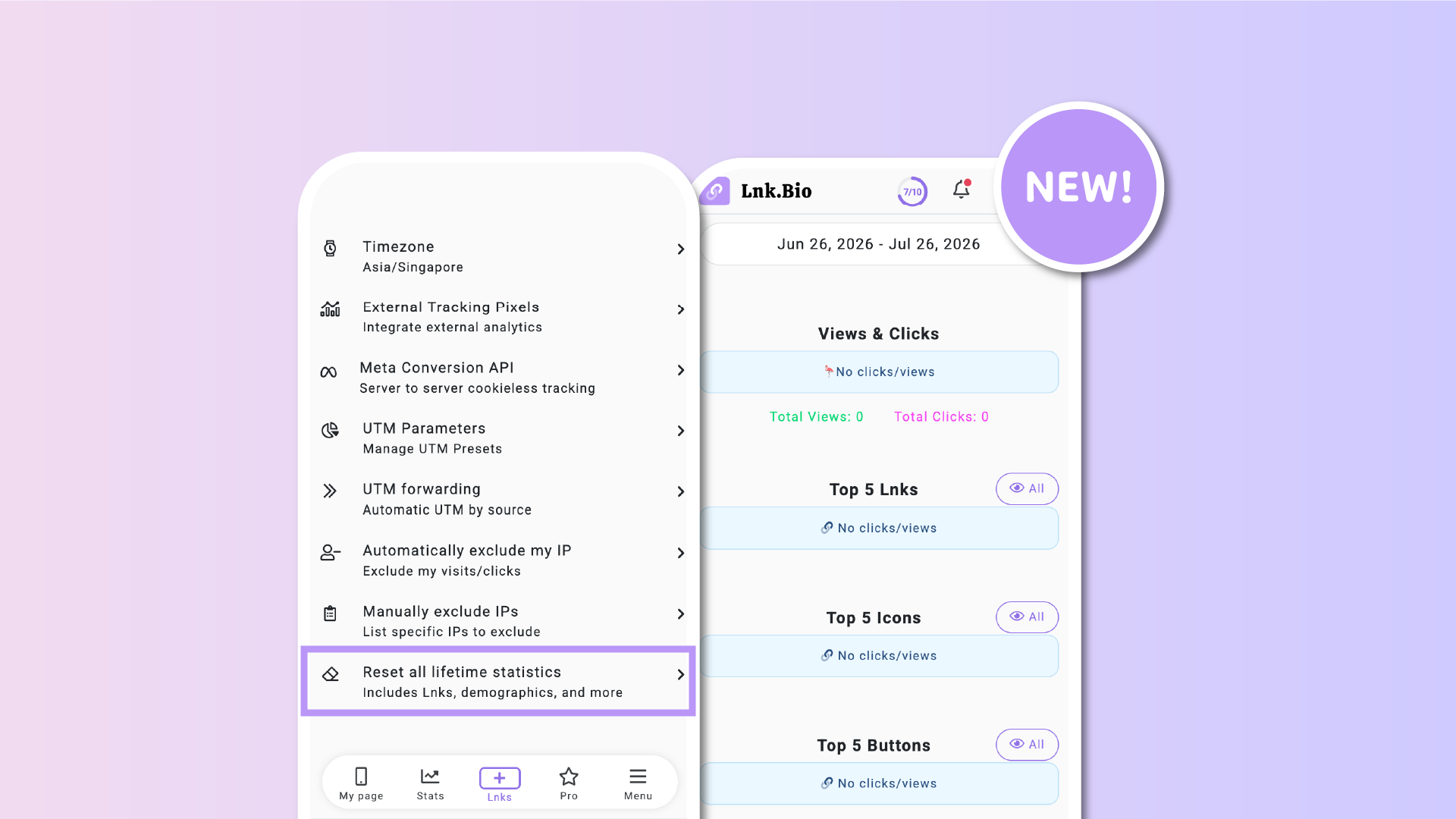
Introducing Reset all lifetime statistics, a new one-click option to clear your Lnk.Bio analytics.
Reset everything at once
The new reset option removes all lifetime statistics associated with your account.
This includes data such as:
- Lnk clicks
- Page views
- QR code scans
- Visitor demographics
- Achievements
- And every other analytics metric collected by Lnk.Bio
Instead of resetting individual sections, everything is cleared in a single action.
Perfect after testing
This feature is especially useful when you've been building or experimenting with your page before launching it publicly.
Rather than keeping weeks or months of test clicks in your analytics, you can wipe everything and begin tracking real visitors from day one.
It's also handy if you're repurposing an existing page for a new project or campaign.
A permanent action
Because statistics are permanently deleted, the reset cannot be undone.
To help prevent mistakes, Lnk.Bio asks for confirmation before completing the action.
Available now
You can find the new option under:
Stats → Settings → Reset all lifetime statistics
Whether you're preparing for a launch or simply want a clean slate, resetting your analytics is now just one click away.