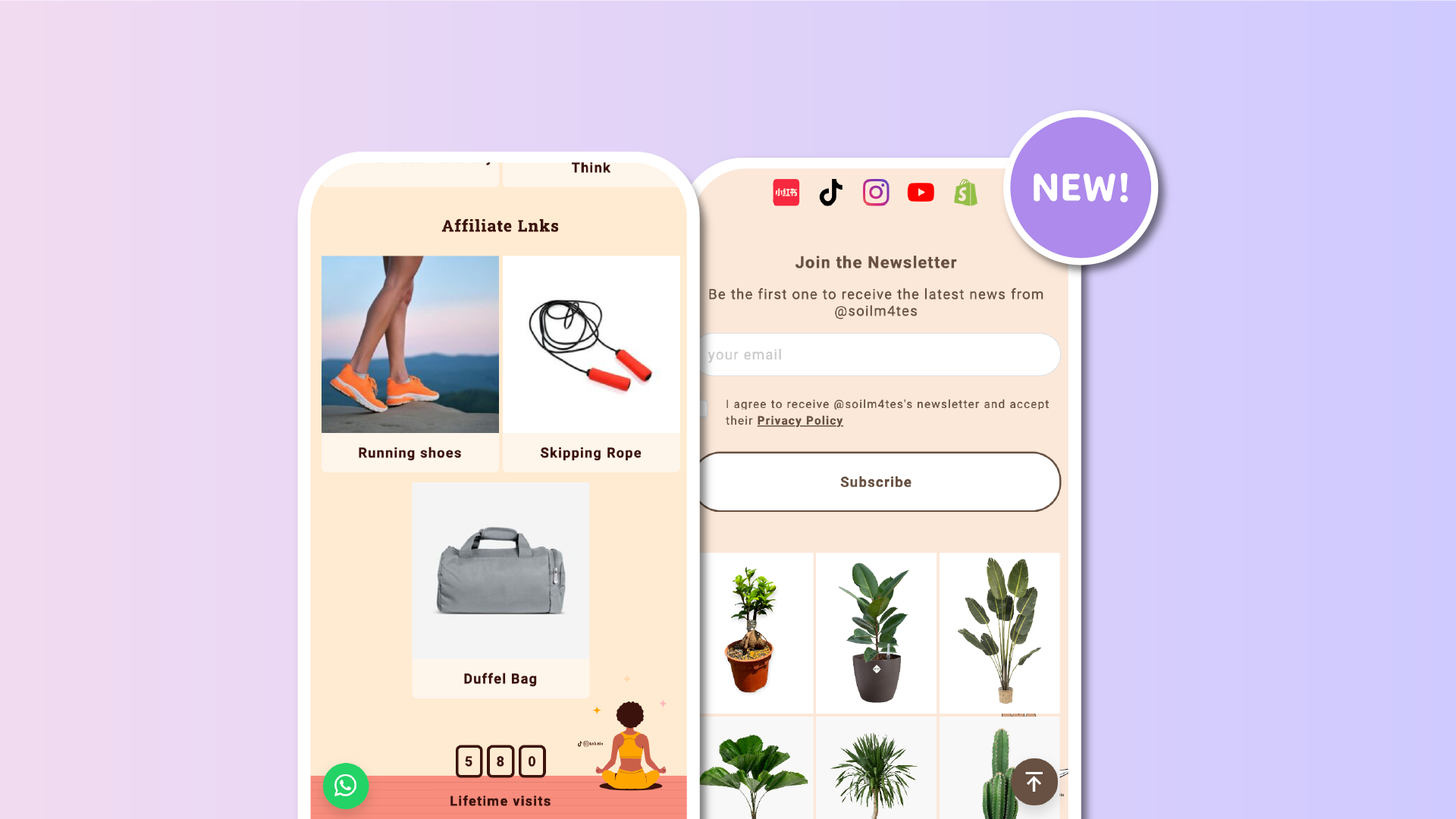

Your most important link just got a spotlight! With the new floating button, you can add a fully customizable call-to-action to any corner or edge of your Lnk.Bio page, making it easier than ever for visitors to engage.
🧩 Ingredients
- Custom action (scroll to top or open any link)
- Custom icon (choose from 10 pre‑selected designs)
- Custom colors (background and icon)
- Custom position (bottom-left, bottom-right, top-right, and more)
- Always visible on all screen sizes
- Clicks tracked in your statistics
📍 Place it wherever you want
Choose from 8 preset positions:
top-left, top-center, top-right
middle-left, middle-right
bottom-left, bottom-center, bottom-right
The floating button stays pinned to your chosen spot, no matter how far the user scrolls.
🎨 Match your design
Customize the button to fit your style:
-
Select one of 10 curated icons, including chat, mail, phone, arrow, and more
-
Set your preferred background and icon colors
-
Make the button feel like part of your brand
🔗 Set the action
Decide what happens when someone taps the button:
-
Link to any destination, like WhatsApp, email, or another Lnk
-
Or let it act as a scroll-to-top shortcut
This makes the floating button perfect for high-priority actions that deserve extra visibility.
🚀 How to get started
-
Go to Style in your dashboard
-
Use the top bar to find Floating
-
Click and set up your button with icon, color, position, and action
You can track performance anytime in Stats → Special → float
Start using your floating button today and make every visit count.











