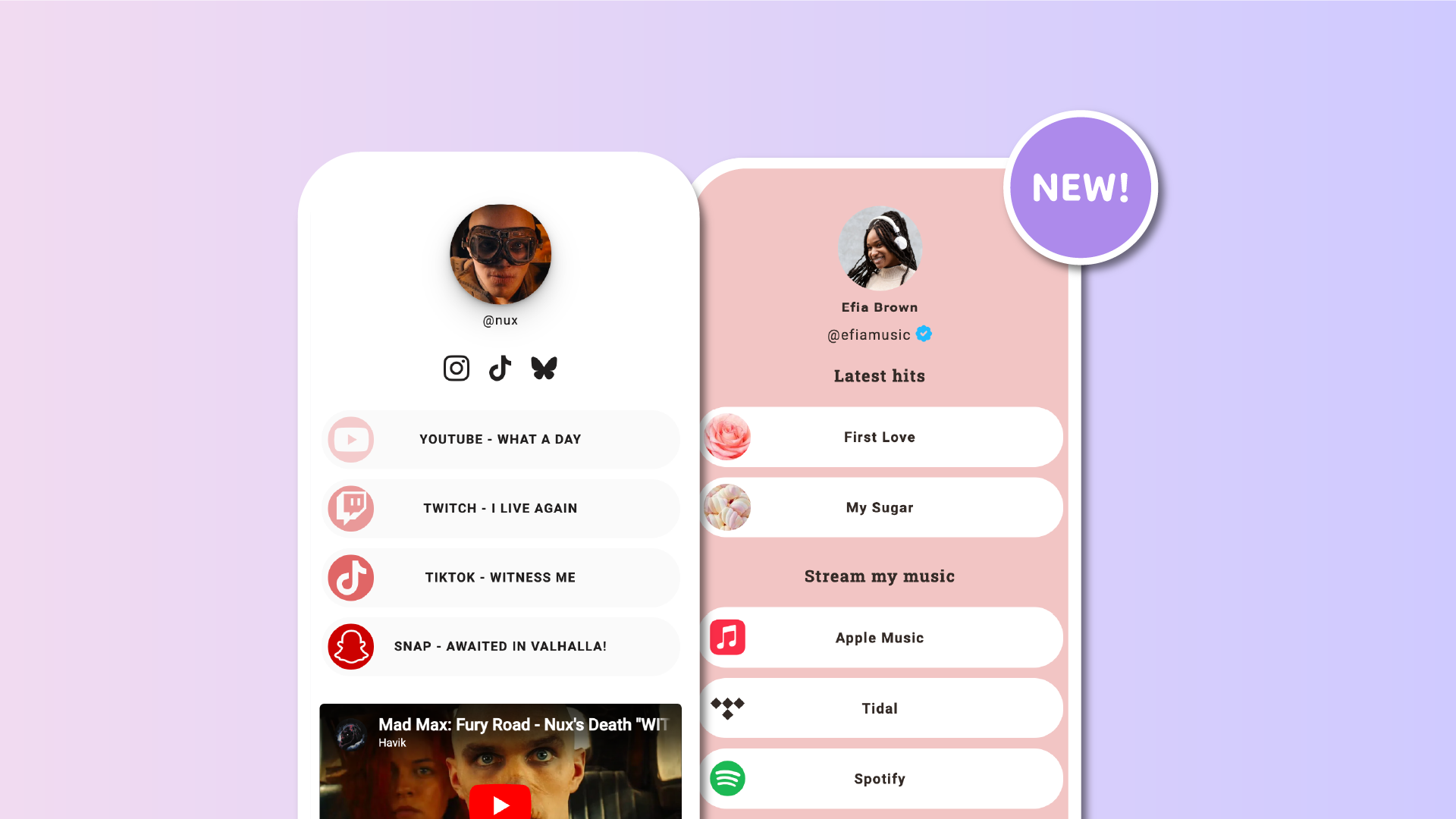

Our library of over 2,700 icons just became even more useful.
Previously available only in the Icons block under Style, this collection is now also fully integrated into your individual Lnks. You can now use any of these icons as the image for any of your links, without needing to upload anything.
When you create or edit a Lnk from the Lnks section, you’ll now see a new option under Image. Instead of uploading your own file, you can choose Choose icon and select from the full collection.
✅ Key features
– Skip the upload step and choose directly from the icon library
– Faster page loading since icons are lightweight and hosted
– SVG format for perfect sharpness on all screen sizes
– Icon colors match your template automatically
– Unique plan users can customize the icon colors
– Create a unified and polished visual style
– Icons are automatically resized to fit both list and grid layouts
– Search by name to quickly find the right icon
– Available to all users
🎨 Make your buttons stand out
This update builds on the existing Lnk.Bio Icon collection, bringing the same visual clarity to individual buttons. Every icon is vector-based and fully responsive, so your page loads quickly and always looks sharp. You can now give each Lnk a clean, consistent look without manually uploading mismatched files.
If you’re on the Unique plan, you also have full control over the icon colors. You can align them exactly with your brand or personal style.
🚀 How to get started
-
Go to the Lnks section in your dashboard
-
Click to add or edit a Lnk
-
Under Image, choose Choose Icon
-
Search for a service or keyword and select your icon
No uploads. No mismatched images. Just fast, clean, consistent visuals for every Lnk.











