
A picture is worth a thousand words. But sometimes, a few extra words make all the difference!
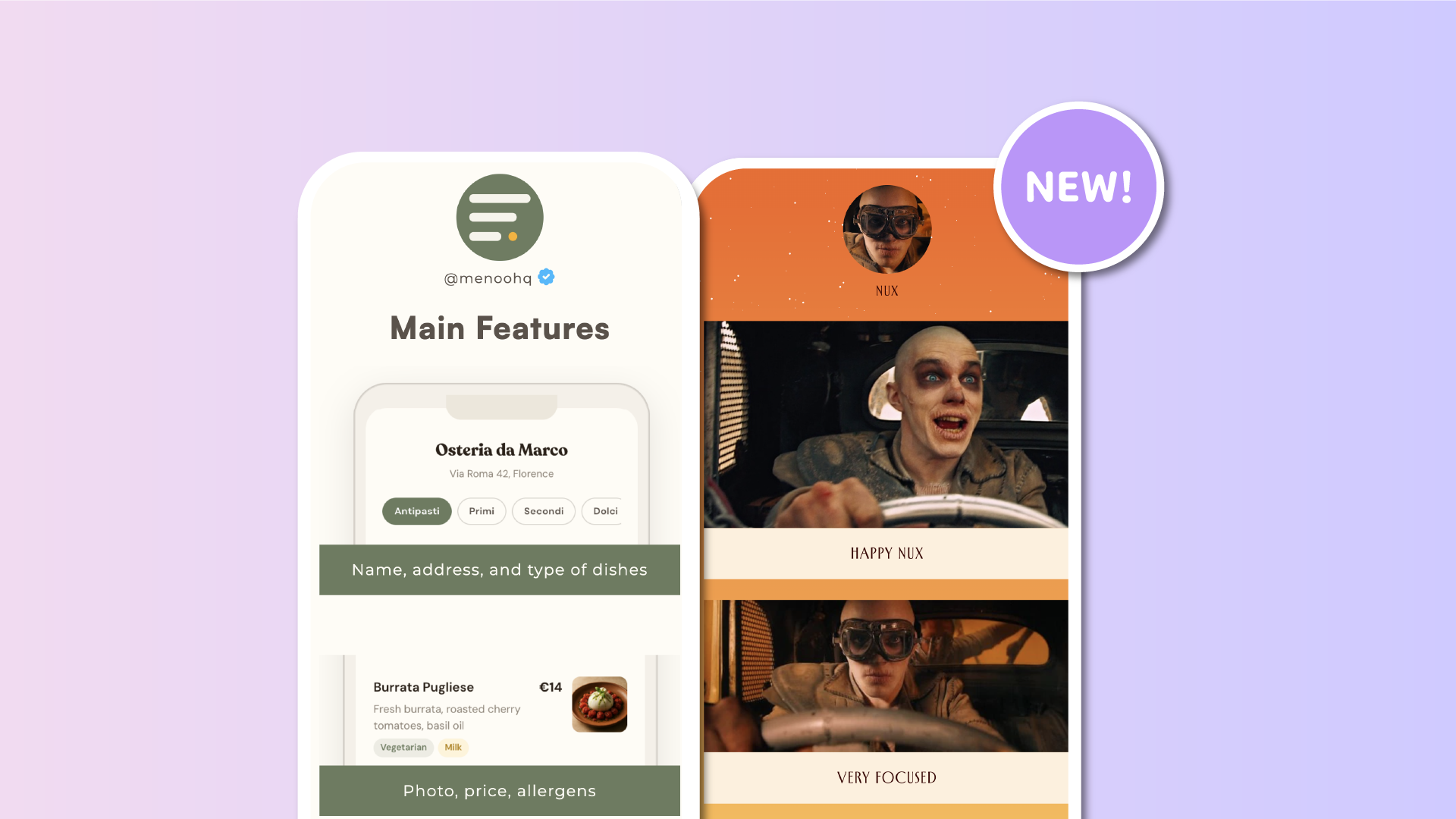
We're introducing Image Captions, a new feature that lets you add a short description directly below standalone images added through the Image block in your Lnk.Bio page editor.
Whether you're showcasing a product, sharing a photograph, promoting an event, or highlighting something important, captions help your visitors understand exactly what they're looking at.
And because captions are part of the Image block itself, there's no need to add separate text elements or change your page layout.
Give your standalone images a little more to say
Until now, standalone Image blocks were all about the visuals.
With the new Caption option, you can add up to 200 characters of plain text directly underneath your image, all within the same block.
No need to create a separate Text block or worry about keeping your image and description together.
Your caption becomes a natural part of the Image block, creating a cleaner and more organized experience for your visitors.
Here are a few ways you can use it:
-
Photographers and artists: Add titles, locations, or a little context behind your work.
-
Online shops: Highlight product names, collections, or special offers.
-
Musicians: Label album covers, upcoming releases, or concert posters.
-
Restaurants and cafés: Add dish names or descriptions to your food photography.
-
Event organizers: Include event names, dates, or short announcements.
-
Content creators: Give your standalone visuals an extra bit of personality.
Sometimes, all it takes is a short caption to turn a beautiful image into something even more meaningful.
Clickable captions that work with your image links
Standalone Image blocks on Lnk.Bio can already link visitors to external websites, products, or other destinations.
Now, when you add a caption to an Image block that has a Lnk, the caption becomes clickable too!
Visitors can tap either the image or its caption to reach the same destination.
This makes captions especially useful for product promotions, featured articles, affiliate recommendations, and any image where you want visitors to take action.
And because captions automatically use your existing Lnk colors, they blend naturally with the rest of your page without requiring any additional customization.
Customize your Image blocks with colors and styles
Want your images and captions to stand out even more?
You can take advantage of additional styling options to create beautifully customized Image blocks.
You can now adjust:
-
Background color: Add a background that covers the entire Image block, including the area behind your caption.
-
Text color: Choose a custom color for your caption to match your brand or complement your image.
-
Vertical spacing: Add breathing room around your content for a more balanced appearance.
-
Corner style: Choose rounded or squared corners to match your page design.
Spacing and corner customization require a background color, ensuring the styling applies to a clearly defined block.
These options build on our recent Page Editor improvements, bringing even more visual flexibility to your content.
Whether you prefer a clean, minimalist image with a simple caption or a colorful, card-style presentation, you can make each Image block your own.
Captions that speak your visitors' language
Your audience might come from anywhere in the world, and your captions can now reach them in their own language.
Captions added to standalone Image blocks are fully supported by Lnk.Bio's AI-powered Translation feature.
When visitors translate your page, these captions are translated alongside the rest of your supported content.
That means you can add a product description, photo title, or short message once and make it understandable to an international audience without manually creating multiple versions.
It's another small improvement that makes your Lnk.Bio page more accessible to visitors around the world.
Available through the Lnk.Bio API too
For developers and creators who manage their pages programmatically, we've also added Image Caption support to the public API.
The new caption field lets you work with captions for standalone Image blocks through supported API operations, making it easier to keep your content consistent across your tools and workflows.
Whether you're updating your page manually or integrating Lnk.Bio into your own systems, captions are now part of the experience.
How to add a caption to your standalone images
Getting started is simple.
-
Open My Page → Content in your Lnk.Bio dashboard.
-
Find the standalone Image block you'd like to update, or add a new one through Add block → Image.
-
Open the Image block's editing options.
-
Enter your caption, up to 200 characters.
-
Optionally customize the background, text color, spacing, and corners to match your design.
Your caption will appear directly beneath the image as part of the same block.
If your image links somewhere, your caption will automatically link to that destination too.
Small details, better pages
Sometimes, the most useful improvements are also the simplest.
Image Captions give you an easy way to add context, tell a story, or guide visitors toward the content you want them to discover, without adding extra blocks to your page.
Combined with clickable images, custom styling, and AI-powered translations, they're another way to make your standalone images more informative, accessible, and uniquely yours.
We're always listening to your ideas and looking for ways to make Lnk.Bio better.
Have a suggestion for what we should improve next? Share it through our Feature Requests page.
Your images already tell a story. Now you can add the perfect words.