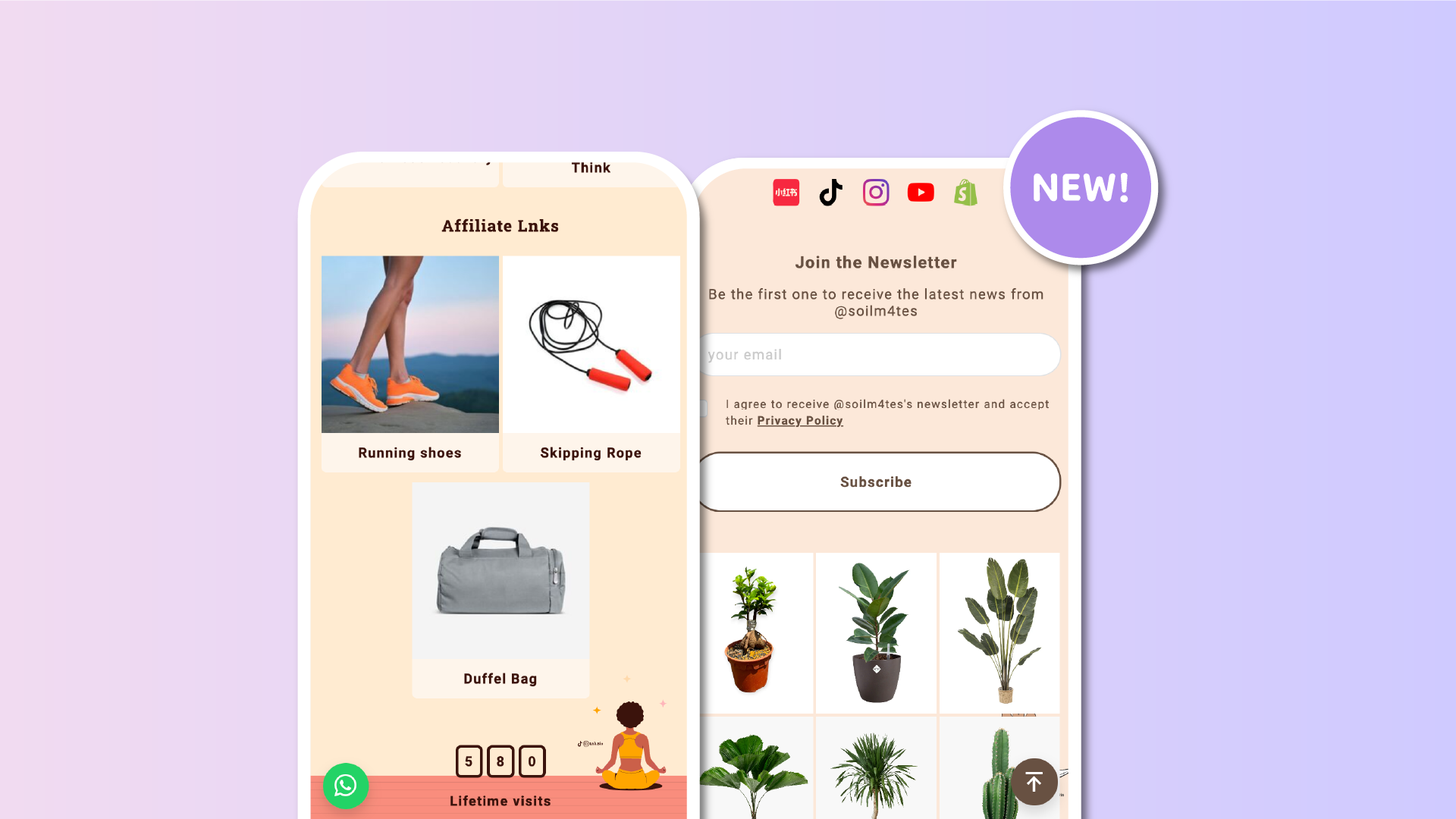

The floating button is one of the most powerful ways to highlight a call to action (CTA) on your Lnk.Bio page. It always stays visible and gives your audience quick access to what matters most. Until now, you could connect it to a regular link, but we wanted to make it even more flexible.
Starting today, the floating button supports special links too. That means you can set it up for email, phone, sms, or imessage. Your visitors can now contact you instantly with just one tap, directly from the floating button.
Why this is a big deal
-
Instant contact: your floating button can now launch an email draft, start a phone call, or open a text message right away.
-
Stronger visibility: special links are now front and center, always available at the bottom of the page.
-
Perfect for businesses and creators: highlight your customer support email, booking phone number, or a dedicated sms line without taking space from your main content.
Examples you can try
-
A floating “✉️ Email me” button that opens your inbox.
-
A floating “📞 Call now” button for quick customer support.
-
A floating “💬 Text me” button that opens an sms message.
-
A floating “💌 iMessage” button for Apple users.
Try it today
This update is live for all Unique users. To try it, go to My Page → More → Floating and select your preferred special link type.
With special links on the floating button, you now have an even faster way to connect with your audience. It’s a small change that makes a big difference for engagement, accessibility, and visibility.











