
Lnk.Bio’s shorturl feature has long helped users create clean, shareable links for any destination. Whether you’re linking to a document, event, product, or hidden content, shorturls keep things simple and easy to distribute.
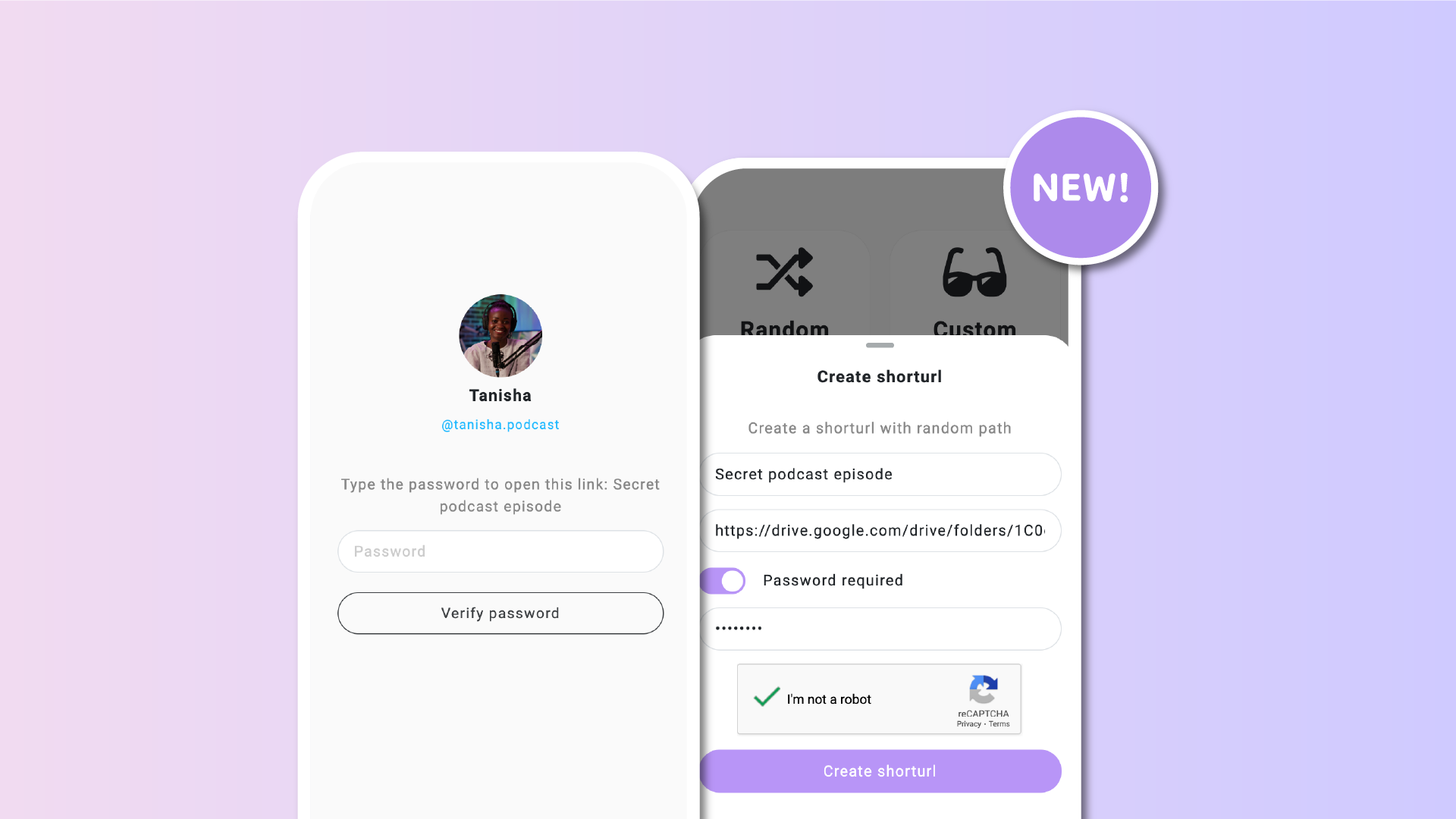
Starting today, you can now add a password to any shorturl you create. This new option gives you full control over who can access your link.
🔒 How it works
When creating or editing a shorturl, you’ll now see a new field to set a password. If added, anyone who clicks the link will be prompted to enter the correct password before they are redirected to the final destination.
It’s a quick and effective way to make your shared content more exclusive without changing how you distribute links.
✅ Why use password protection
– Share content only with people you choose
– Give access to previews, documents, or links without exposing them publicly
– Add a simple barrier to reduce unwanted clicks or casual sharing
🚀 How to set it up
-
Go to Tools => URL shortener
-
Create a new shorturl or edit an existing one
-
Use the Password field to set your custom password
-
Save and share the shorturl as usual
Visitors will need to enter the correct password before reaching the destination.
👥 Who it’s useful for
This feature is ideal for creators, professionals, and businesses who want more control over their links. Some example use cases include:
– Creators sharing exclusive videos, songs, or content with their top fans
– Agencies sending previews or drafts to clients without revealing them publicly
– Teachers or coaches sharing class materials or private lessons
– Event organizers distributing RSVP links to invited guests only
– Influencers or marketers giving early access to special campaigns or offers
– Teams sharing internal documents or prototype links with a select group
Whether you’re sharing a special announcement, a hidden resource, or exclusive content, password-protected shorturls give you more control over who gets in.