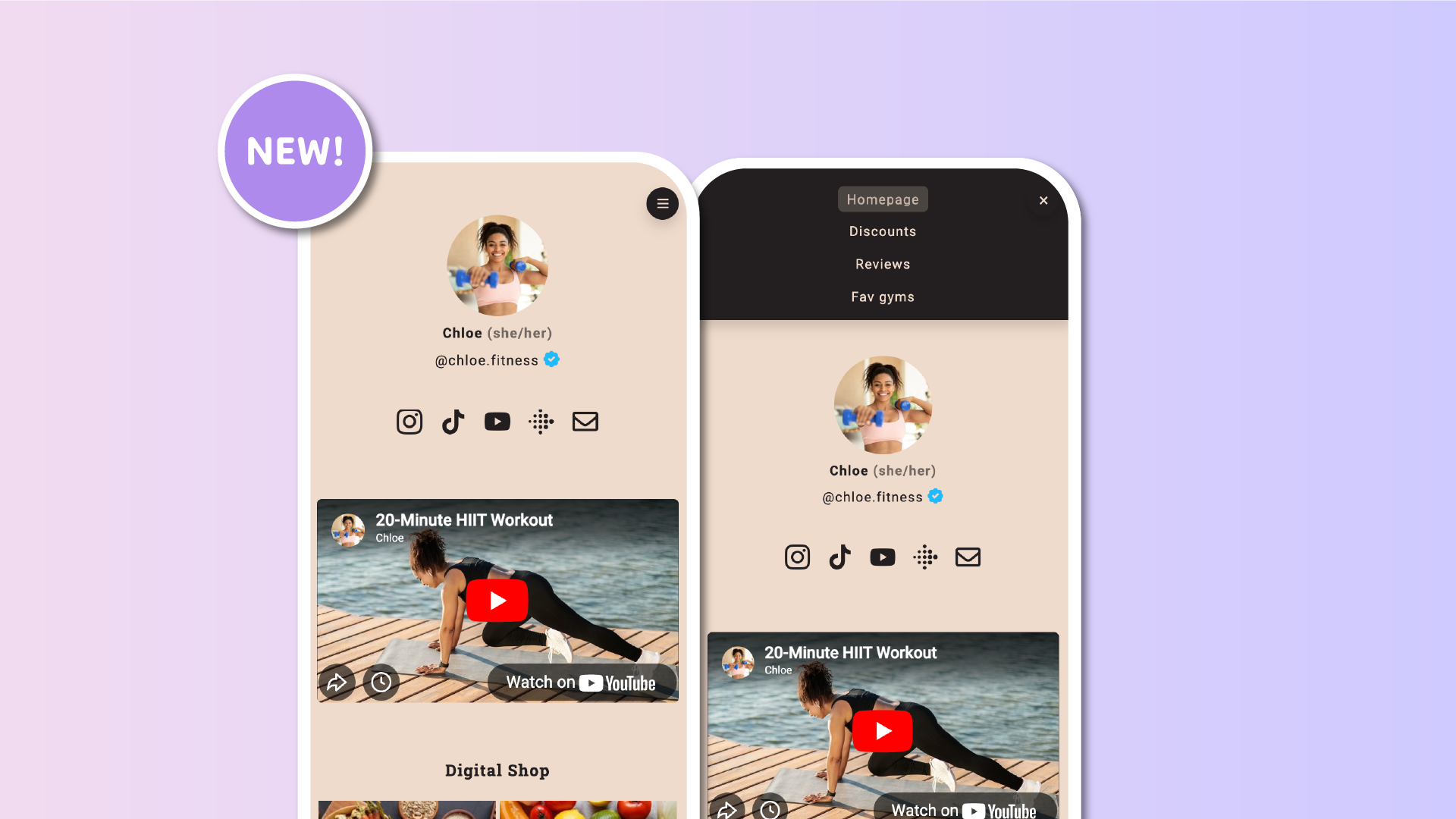

The Translations add-on allowed you to automatically translate your page content, including links, titles, descriptions, and biography. With this update, you can now translate your brand new navigation menu as well, ensuring a fully localized experience for visitors in every language.
A more complete translation experience
The navigation menu plays a key role in helping visitors move through your pages. Being able to translate it means your audience can now explore your Lnk.Bio naturally, in their own language, from the very first interaction.
This update extends the existing translation capabilities and helps you present a consistent, clear structure across all supported languages.
Automatic menu translation with AI
If you are using automatic translations, the navigation menu is now included.
When your page is translated automatically, menu items are translated as well, using AI. This allows your full page structure to adapt to each language without additional setup.
It’s especially useful if you manage multiple pages or regularly update your navigation.
Full control with manual translations
If you prefer to fine-tune your translations, you can also translate the navigation menu manually.
Simply go to My page => Pages, click on each page, and use the Translate option to customize the menu label for every language. This gives you full control over wording, tone, and consistency across your page.
Available with the Translations add-on
Navigation menu translation is available to all users who already have the Translations add-on enabled.
No additional activation is required. Once the add-on is active, both automatic and manual menu translations are ready to use.